ND Motion Studio
Opening very soon. Everything is on display, prices included: checkout opens in a few days.

An editing agent and its preset library, for DaVinci Resolve Studio.

The agent that blows up
your hourly rate.

Your client pays for the video, not your hours. Which is why bringing AI into your workflow is no longer optional: it frees you to focus on the creative.

Get the full agent · 79 $

One-time payment · Every technique · Refunded if it doesn't work for you

The graph you get, open in Fusion

Claude using DaVinci Resolve

Show the agent the effect: it builds it on your timeline. Here, the node tree it just built, open in Fusion.

The agent's seven modules

The math

Do the
math.

Your hourly rate = what you bill ÷ the time you spend

What you bill

Pricier creatives

The agent builds what you couldn't sell before: motion design, 3D scenes, animated infographics, speed-ramped property tours, in your client's brand.

The time you spend

Fewer hours

It takes the repetitive and technical work: rough cut, word-by-word captions, zooms locked to the voice, sound on every cut, grading.

Higher prices on one side, fewer hours on the other:
every hour pays you more.

How it works

You show it.
It builds.
You stay in control.

  1. 01

    You pick, show or ask

    A style from the inspiration library, a reference video, or a sentence: “rough-cut and caption my video”, “rebuild this effect for me”.

  2. 02

    It builds on your timeline

    Real clips, real Fusion compositions with named nodes, markers. It explains before acting and checks the image before saying it's done.

  3. 03

    You review, you adjust

    Every element can be tuned: timing, size, colour, text. By hand or with a new sentence. Nothing is deleted; your timeline is duplicated before the first change.

This sales video was cut by the agent. 37 seconds, with sound.

The inspiration library · with every purchase

Pick a style.
It rebuilds it on your footage.

Ready-made editing styles, ready to copy. You choose the one that fits the job and hand over your footage: the agent takes that way of editing and rebuilds it in DaVinci Resolve, on your timeline.

  • The whole style, not one isolated effect: pacing and cuts, zooms, transitions, text, sound, grade
  • On your footage: it copies how the style is built, never someone else's images
  • Editable afterwards: a real timeline, real Fusion compositions, which you adjust by hand or with a sentence
  • With the full agent, the whole style; with a single module, the part that module covers

Why not just Claude

Your AI didn't fail.
It was missing the craft.

DaVinci Resolve can already talk to Claude. If you tried it, the result let you down: that's expected. The AI knows how to call functions. Nobody told it how many frames, which curve, what volume, in what order.

And what it places stays native: real Fusion compositions, not a frozen file you can no longer touch.

01ClaudeUnderstands what you ask.
02The agent: an editor's craftThe exact values: frames, curves, levels, node order.
03DaVinci ResolveExecutes, on your timeline.

What the agent has already built

Seven modules.
One agent.

The videos are real renders, built by the agent inside DaVinci Resolve; the animated previews sketch what it builds. Of 525 techniques, 121 are filmed and 309 have an animated preview.

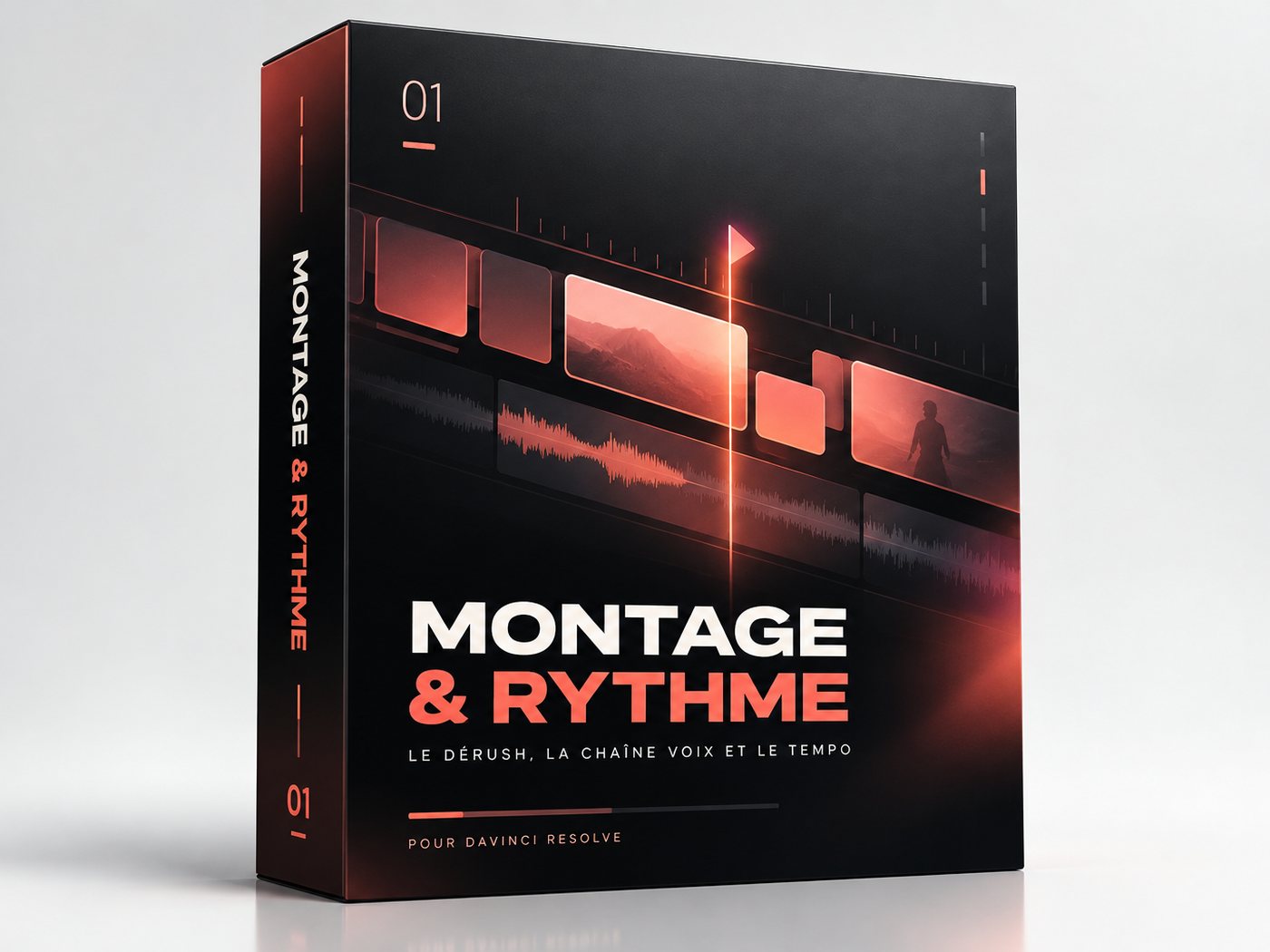
01

Editing & Rhythm

52 techniques

Rough cut, voice chain and tempo. The part of editing you redo identically on every single video.

Dérush par transcription Les pauses sont retirées d'après les mots prononcés ; le résultat va dans une nouvelle timeline. pauses > 0.35 s · l'originale reste
B-roll calé sur le mot prononcé La voix ne s'arrête jamais. Chaque plan d'illustration arrive au moment où le mot qu'il montre est dit, et repart au mot suivant, sans son propre son. transcription lue avant de monter · image seule : son du B-roll coupé
Montage calé sur les beats Marqueurs sur les beats, chaque plan finit sur un marqueur. +1 f au début
Pyramide dramatique Hook fort dès la première seconde, le milieu respire, la fin relance. hook ~10 % · montée ~18 %
Déclinaisons 16:9 · 9:16 · 1:1 Une timeline par format, recadrage et textes recalés en zone sûre. 3 exports
See the module →
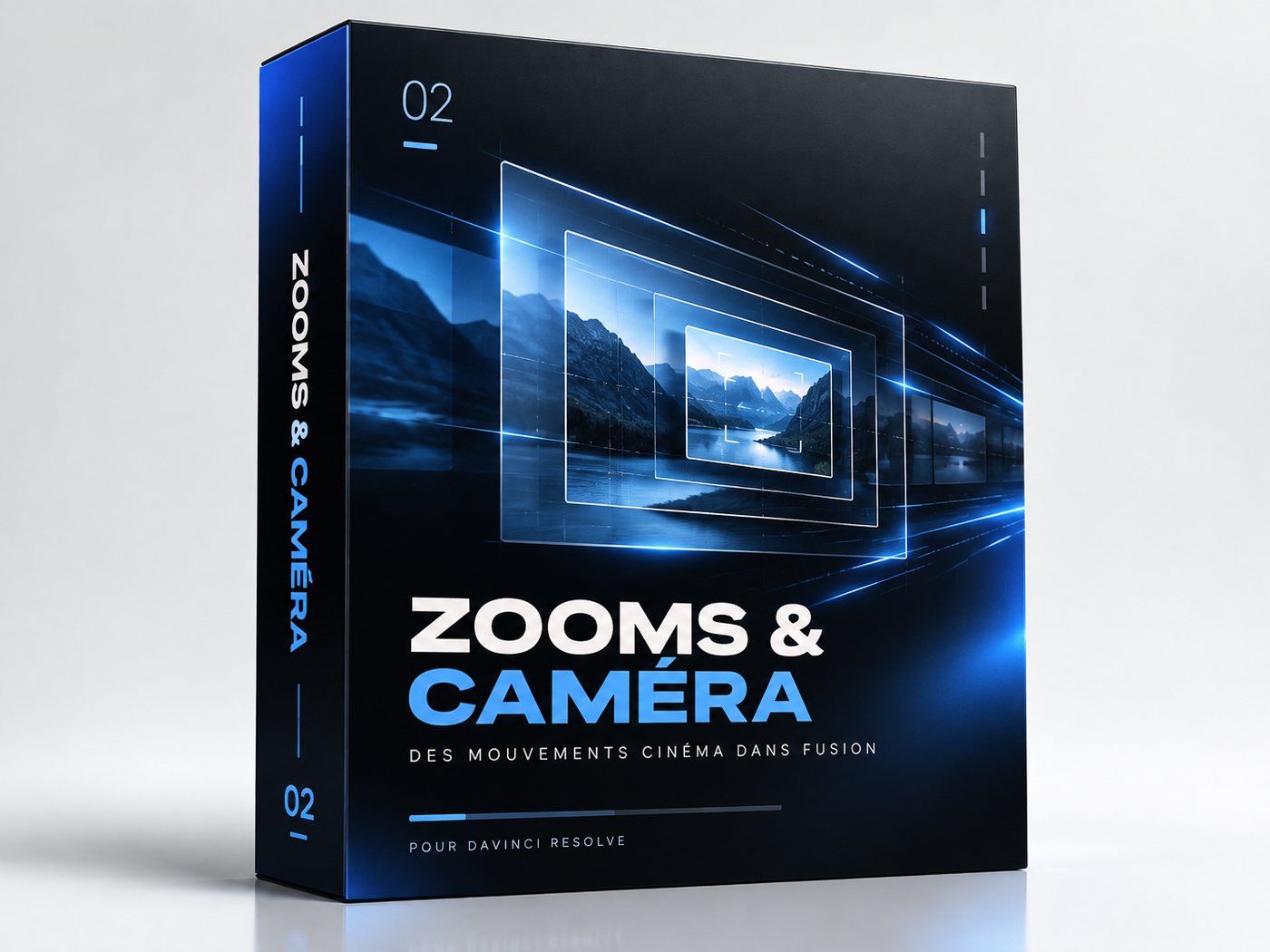
02

Zooms & Camera

20 techniques

Forty zooms per short, each built in Fusion, every curve eased by hand. The dumbest hour of your edit.

Zoom agressif Zoom rapide vers le visage, pour quand le ton monte. 1.0 → 1.7 · 30 f
Punch-in + mot affiché Le cadre se resserre et le mot clé s'affiche. ×1.28
Loupe Un cercle grossit une zone précise de l'image. ×1.46 · pivot au centre du cercle
Zoom cartoon à rebond Le zoom dépasse puis revient, façon cartoon. 1 → 1.2 · 10–12 f
Zoom + flou de mise au point Le zoom passe par un flou de mise au point, puis redevient net. ×1.3 · flou 0 → 8–15 → 0
See the module →
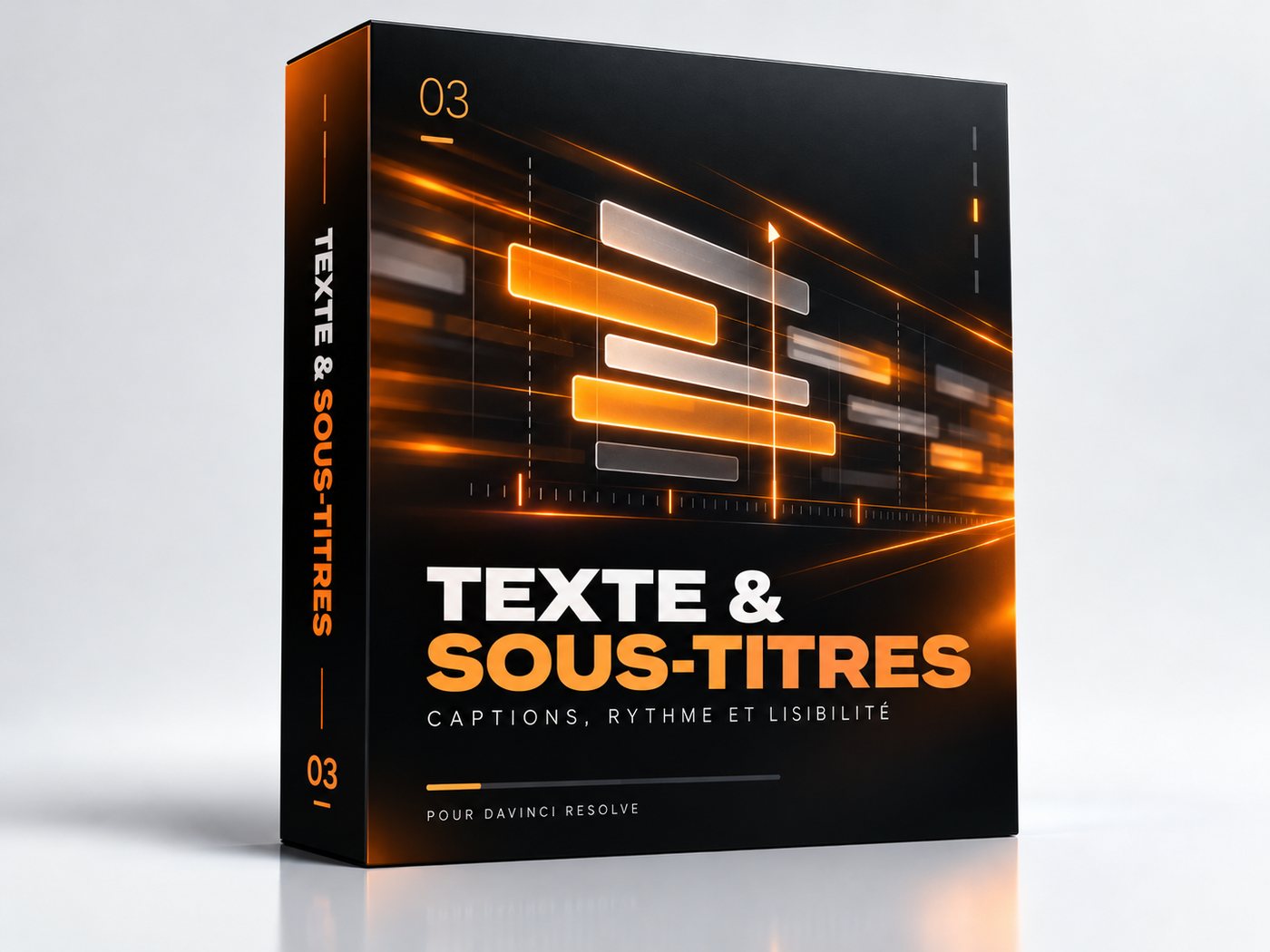
03

Text & Captions

87 techniques

One word every five to ten frames. Multiply by the number of words in your short.

Pop mot par mot Chaque mot pop au moment où il est dit, par groupes de 2 à 4. Out Back · 2–4 mots
Titre qui claque Le titre claque mot par mot.
Surligneur Le surligneur passe derrière deux mots, le texte passe en noir. 2 lignes
Machine à écrire L'adresse se tape, le curseur clignote. linéaire
Chiffres qui roulent Le chiffre roule jusqu'à sa valeur finale.
Mur de mots Chaque mot arrive en contour ; celui qui est dit devient plein.
Texte 3D extrudé Texte en volume avec caméra et lumières, placé sous le visage.
Lettres géantes qui se posent Chaque lettre arrive en géant puis se pose. ×4 → ×1 · 24 f
Glitch RVB Trois copies rouge, vert, bleu, décalées par salves. 3 copies
Manuscrit qui s'écrit Une écriture manuscrite se trace comme à la plume. tracé 0 → 1
Reflet qui passe sur les lettres Deux reflets inclinés balaient le texte, limités aux lettres. ~23°
Texte cartoon Le mot s'écrase à l'impact puis reprend sa forme, contour dessous. écrasement 0.53 / 2.1 · In Cubic
See the module →
04

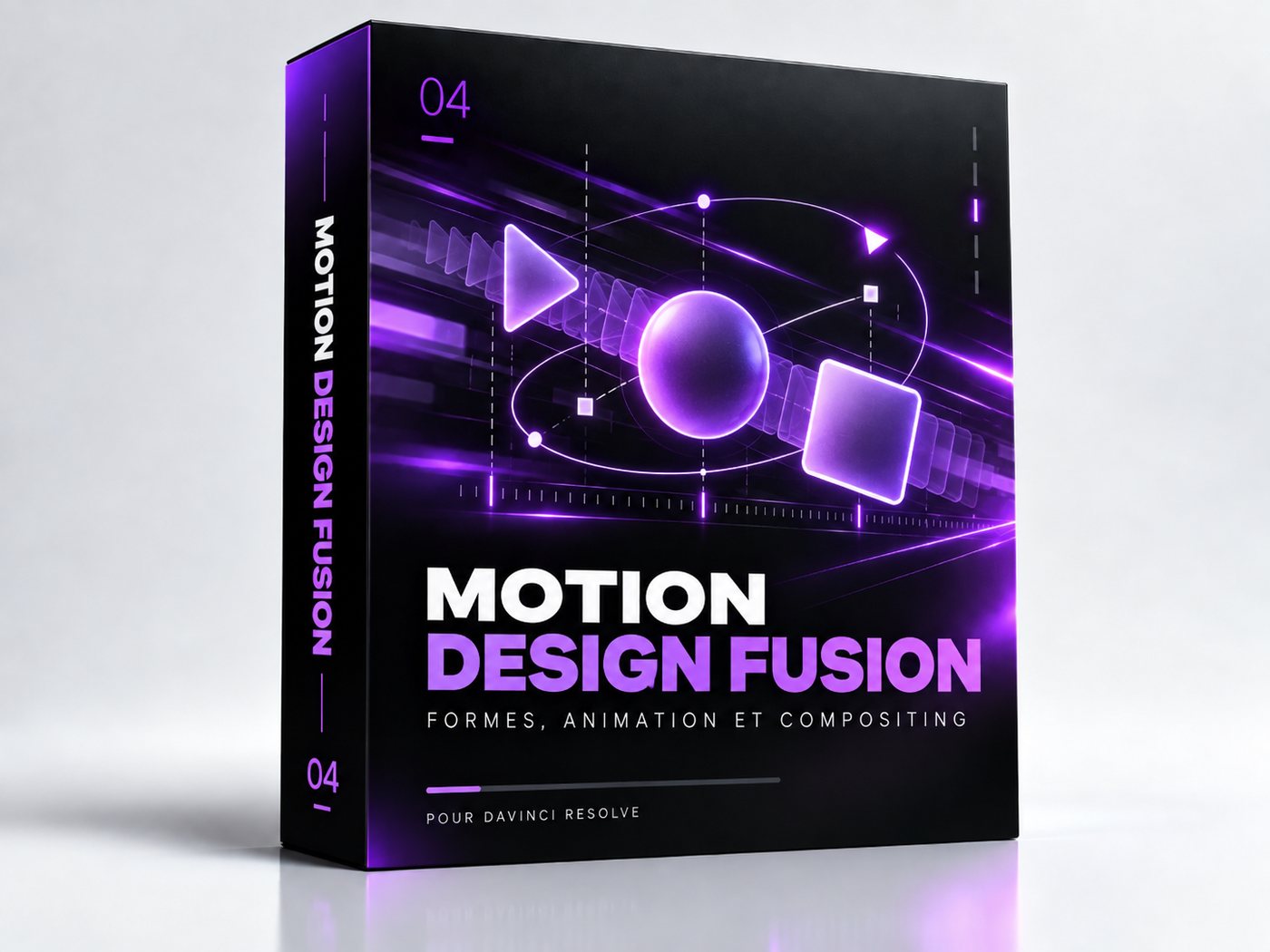
Fusion Motion Design & 3D

Most complete 256 techniques · 112 on video

The big one. Twenty-five motion design recipes with their graphs, and the whole of Fusion's 3D: scene, camera, render, lights.

Motion design

Road map Un parcours qui se trace, étape par étape, avec ses jalons numérotés. tracé progressif · jalons calés sur la voix
Classement de pochettes Des cartes en dégradé arrivent en file, un filet se trace, la légende s'écrit. 1 carte / 14 f
Étapes à icônes Trois étapes qui apparaissent avec leur icône et leur libellé. 3 étapes · icônes dessinées
Organigramme sur grand canevas Tout est posé sur un monde plus grand que l'écran ; la caméra voyage d'un groupe à l'autre, les liens se tracent pendant le trajet. 2 à 3 trajets de 30–44 f
Affiche éditoriale Composition de presse : aplats, découpes, titre en colonne. 3 plans superposés · typo en colonne
Fil néon et blocs accrochés Deux blocs tenus par un fil lumineux ; le fil s'allonge puis bascule, les blocs suivent ; fin en négatif. négatif 3 f
Parcours en paliers Un chemin qui monte par marches, chaque palier révélant son titre. 3 paliers · apparition en cascade
Note punaisée Une feuille punaisée dont le coin ondule, un zoom sec, des ombres de stores qui clignotent. zoom sec en 8 f
Carte d'interface Une carte en verre teinté, un compteur de progression, une barre qui se remplit, une coche à la fin. zoom lent 1,0 → 1,5
Carnet dont les pages tournent Un carnet entre, s'ouvre, une règle par page, une note manuscrite en face ; il se referme sur « FIN ». 1 règle par page
Vue du dessus qui se couche Un décor dessiné arrive debout puis se couche ; un objet le parcourt, les étiquettes s'écrivent à son passage. bascule 90° → 0 en 34 f · 1 information / 30 f
Chronologie sur grand canevas Des pastilles datées reliées par un trait ; la caméra suit le trait jusqu'à la carte finale. le trait part avant la caméra

3D

Sol qui se soulève Un sol de pavés déformé par une boule qui roule ; lumière et ombres de contact. 3D réelle
Planète jour / nuit Une sphère texturée tourne, la caméra reste libre. sphère 100 × 100
Formes extrudées Des formes vectorielles extrudées en volumes des deux côtés d'un couloir ; contours, lueur et teinte. 3D réelle
Tunnel infini La vidéo dans la vidéo, en zoom qui boucle.
Polaroid 3D L'image se fige et tombe en polaroid courbé. courbure 0.17 · flou Q1/51°
Prisme à 4 faces L'image devient la face d'un prisme qui pivote à chaque mot. 4 faces · 90° par mot
Carrousel de prises Des prises du même tournage tournent en carrousel. caméra Z 7.5 · 360° / N
Plans en profondeur Trois prises flottent à différentes distances, la caméra avance. 3 plans
Page qui s'envole L'image se plie et s'envole, l'adresse apparaît derrière.
Étincelles Des particules dorées montent du bas, jamais sur le visage.
See the module →
05

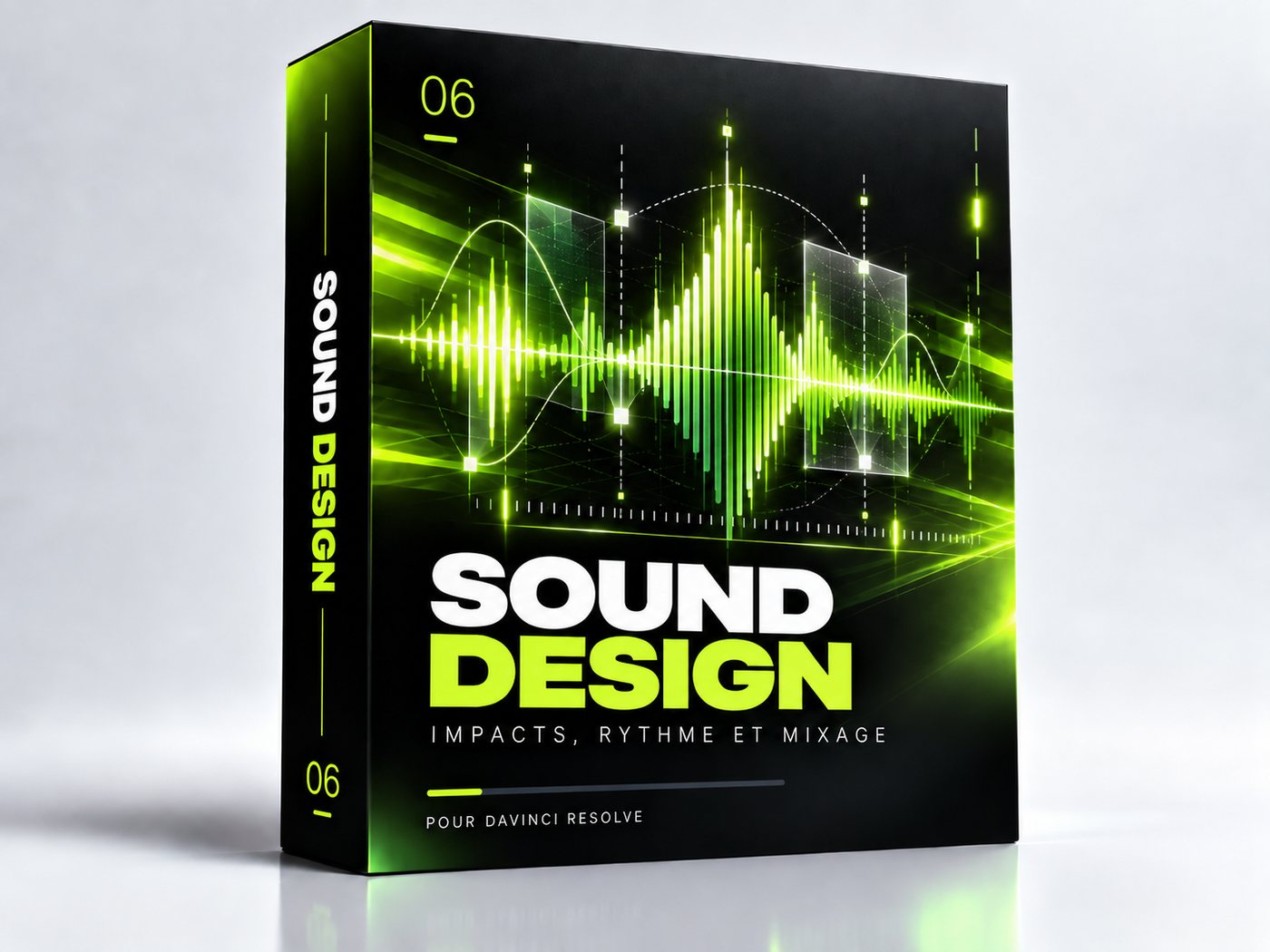
Sound Design

29 techniques

Sound is what separates a decent edit from one that holds. And it's values, not feel.

Un son pour chaque mouvement Chaque animation et chaque raccord a son SFX, pris dans ta banque. −8 dB par défaut · ±2 dB
Whoosh calé avant la coupe Le whoosh démarre avant et culmine sur la coupe ou le pic de vitesse. 10 f avant · 2–3 f avant un texte
Impact pile sur l'image L'impact tombe exactement sur l'image d'arrivée. 0 f · ~−26 dB
Ducking La musique descend sous la voix. −20 dB
Loudness réseaux Le mix final cale sur la norme des plateformes. −14 LUFS
See the module →
06

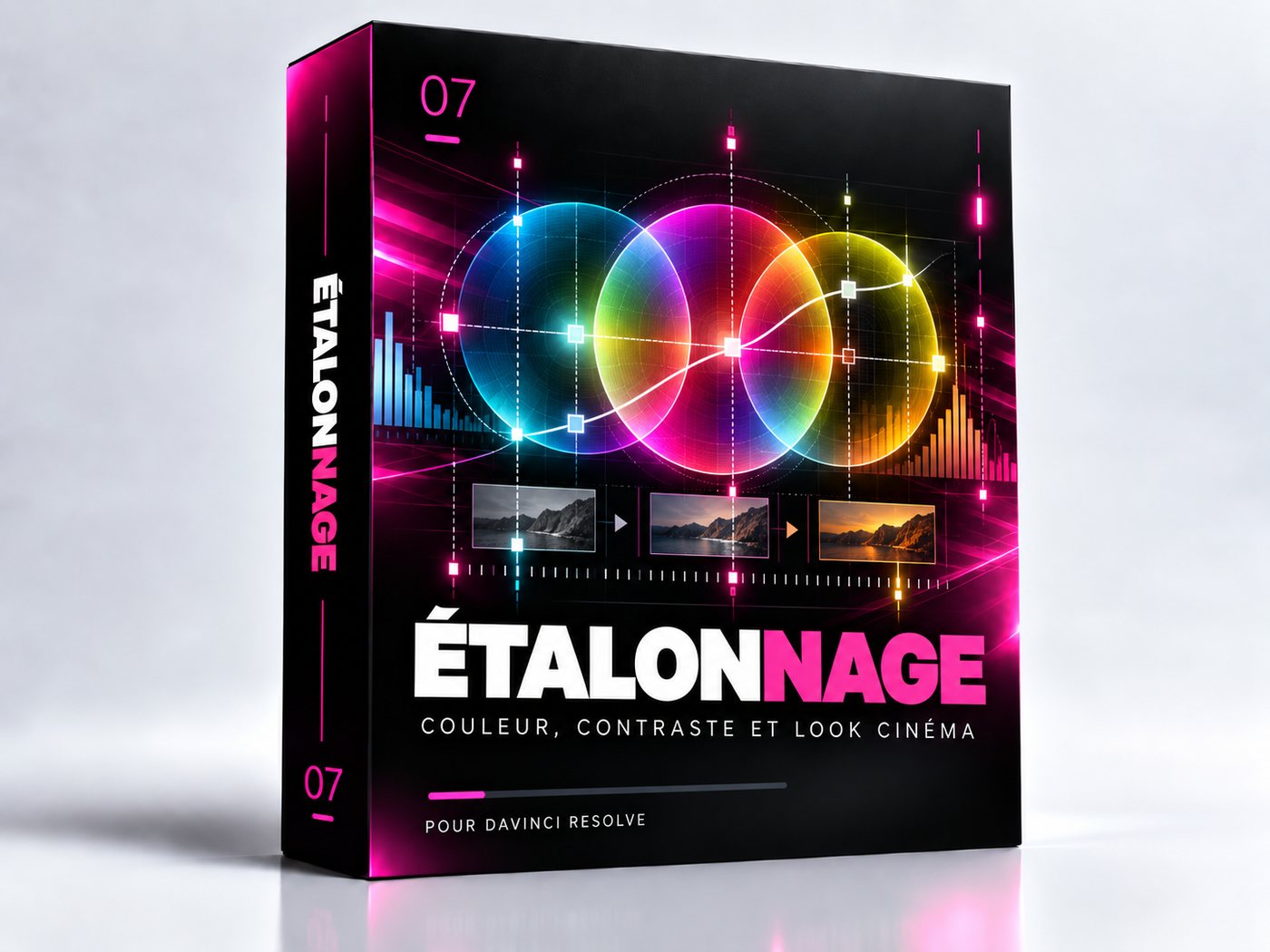
Colour Grading

30 techniques · 9 on video

A complete seven-to-nine node recipe, plus what the API can and cannot do.

Arbre de 10 nœuds Chaque plan reçoit le même arbre, dans le même ordre ; chaque réglage va dans son nœud. 10 nœuds · même ordre
Réglage fin par nœud Pente, décalage, puissance et saturation réglés dans le nœud nommé. CDL
See the module →
07

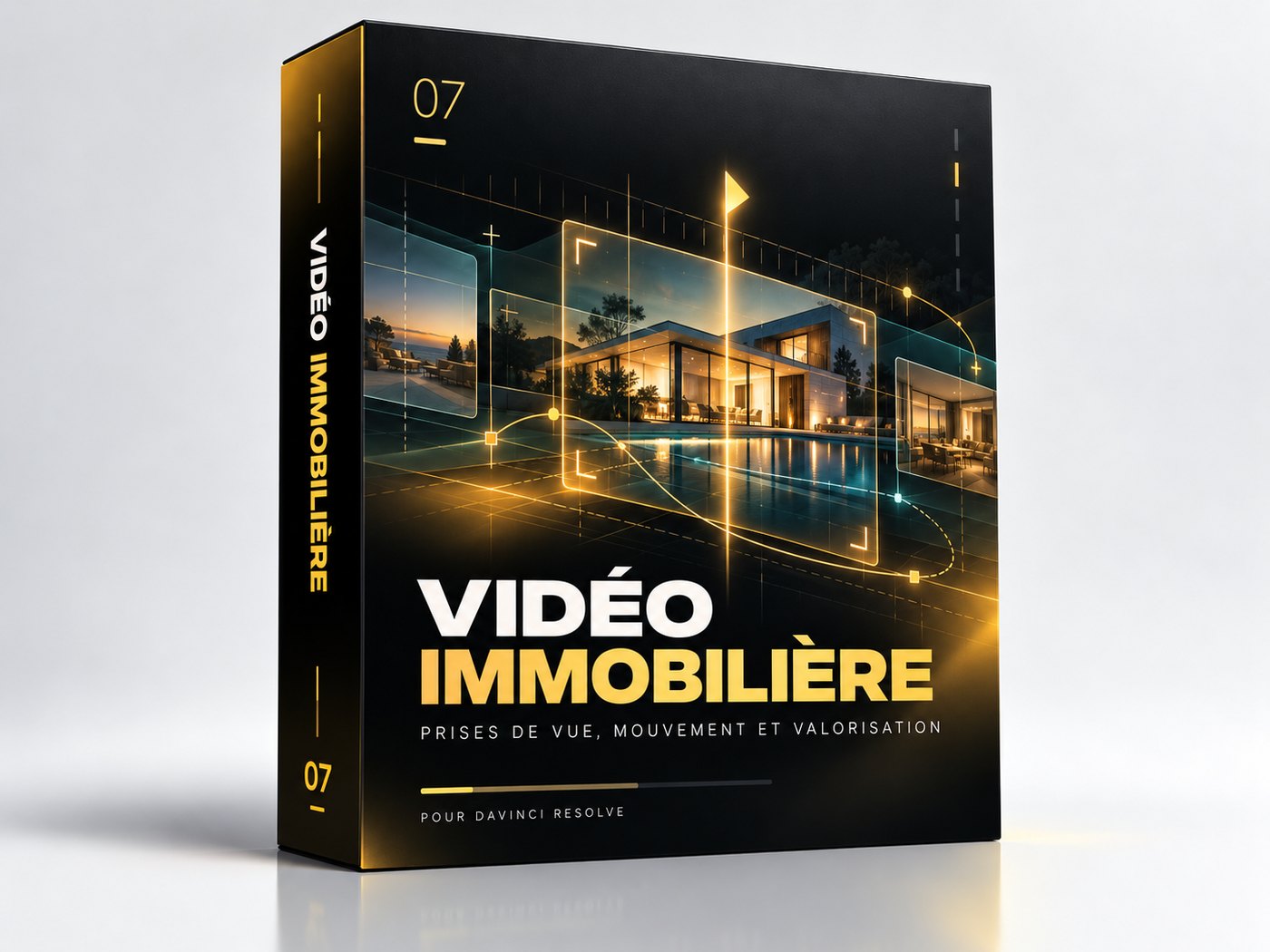
Real Estate Video

Modern real-estate editing: speed ramps locked to the beat, motion blur on every acceleration, transitions that follow the camera move.

See the module →
525 techniques121 filmed · 309 as animated previews · 155 ready-to-use recipes · one shared engine
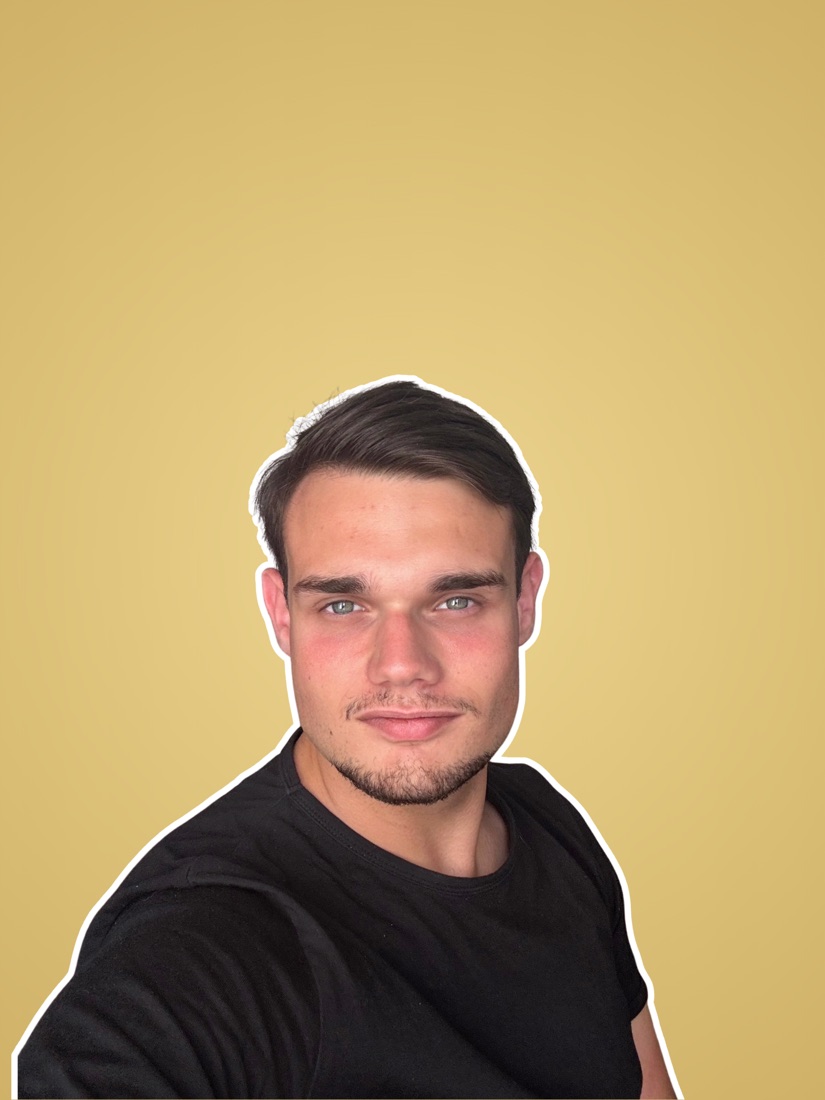
Nathan

Who built it

My own
workflow.

I'm Nathan, a video editor. I cut ads for agencies working with KIABI, Blast, La Boutique Officielle, Seazon, the Haute École de Joaillerie…

Like every editor, I spent my days on the same moves: the fortieth zoom by hand, the same voice chain, a title I'd already built ten times. The agent is what I use every day on those projects. I cleaned it up, documented it and split it so you can use it too.

I've cut for the agencies running the advertising of

KIABIBlastLa Boutique OfficielleSeazonAntésiteMadabelMoggoArganiaHaute École de Joaillerie

The offer

The full agent,
every technique included.

All 7 modules bought separately193 $

79$ −114 $saved

One-time payment · instant access · 525 techniques, seven modules + the engine

Coming soon

Instant download, no right of withdrawal. But if it won't run on your setup, I refund you (30-day guarantee).

Works-or-refunded guarantee. If the agent doesn't run on your setup despite the requirements, email me within 30 days: we'll look at it together on a screen share, and if we can't fix it, I'll refund you in full.

The tally

  • 01 Editing & Rhythm19 $
  • 02 Zooms & Camera19 $
  • 03 Text & Captions19 $
  • 04 Fusion Motion Design & 3D59 $
  • 05 Sound Design19 $
  • 06 Colour Grading19 $
  • 07 Real Estate Video39 $
  • + the shared engineincluded
  • Bought one by one193 $
  • The full agent79 $

Every module is also sold on its own, at this price, in the shop. The full agent saves you 114 $.

Buy a single module →

What you get

  • The agent: the Core Engine and all seven modules, no exceptions
  • The preset library: 525 techniques, including 155 ready-to-place presets, that the agent reproduces on your timeline with their values. Plus the delivered files: 29 Fusion templates (titles, captions, transitions), a grading tree, 24 sound effects and the Montserrat font
  • The inspiration library: ready-made editing styles that the agent reproduces on your footage
  • Onboarding: guided install and first project
  • The updates I publish, sent by email
  • Exit clause: if I stop, the agent becomes yours freely
  • Support by email, and I'm the one who answers
  • Commercial use allowed on all your client work
  • The 2,217-sound pack, sorted into 14 families, downloaded separately (about 8 GB)
  • The Fusion Dictionary, included: every French label in Resolve with its ID
  • A licence in your name, checked offline, no account to create
  • The agent answers in your language; install guide and licence in French and English

Read this before buying: requires DaVinci Resolve Studio 21.1+ (the free version won't do) and a paid Claude subscription. Without both, it does nothing. Tested on Windows; macOS hasn't been tested yet. Better you know now than after.

Before you buy

This isn't
for everyone.

This is for you if

  • You're a video editor, freelance or in a studio
  • You edit regularly: several videos a month
  • You already know where a zoom goes, and why
  • You're comfortable in Fusion, at least the basics
  • You have Resolve Studio 21.1+ and a paid Claude plan

This isn't for you if

  • You're new to DaVinci Resolve
  • You're looking to learn editing
  • You cut one or two videos a year
  • You have the free version of Resolve
  • You expect the AI to decide for you

If you're in the right-hand column, don't buy. This agent saves time for someone who already knows what they want on screen. It won't teach you editing, and automating what you haven't mastered only produces something that doesn't work, faster. Learn the software first; come back after.

What you're wondering

What exactly do I need?

DaVinci Resolve Studio 21.1 or later (the free version won't do), the Claude app on a paid plan, and the DaVinci Resolve connector, whose installation is guided. Tested on Windows; macOS hasn't been tested yet. You write to it in your own language and it answers in the same one; the install guide and licence are in French and English.

“Why an agent and a preset library?”

Because each one alone leaves you work. A regular preset pack: you dig through it, place it, tweak it by hand, and it stays frozen. An agent alone improvises its values. Together, the agent knows every preset in its library by name and values: it reproduces it on your timeline, at the right moment, in your brand. And since it builds it as open Fusion compositions, you take back control whenever you like.

“I tried an AI tool and it gave me a video I couldn't edit.”

That's the flaw in nearly all of them: they build a file and import it. This one writes native Fusion compositions onto your timeline: nodes, keyframes, curves. You change a colour with one click instead of starting over. It's the most important difference between the two approaches, and the easiest to check: double-click the clip.

“Free DaVinci MCPs exist.”

They do, and you should use them: that's plumbing, it should be free. But plumbing doesn't save you time: it lets the AI act, not act well. You redo the work, so you gain nothing. That's exactly the gap this fills.

“I'll lose control of my edits.”

No. Everything lands on your timeline as native Fusion compositions: real nodes, real keyframes, real clips. Nothing is flattened or rendered. You edit it as if you'd placed it yourself. And one rule is baked into the agent: never delete anything.

“Does the free version of Resolve work?”

No. The scripting API requires Resolve Studio. That's a Blackmagic limitation, not ours.

“I'm new to DaVinci.”

Then it isn't for you yet, honestly. This saves time for someone who already knows what they want on screen. Learn the software first, then come back.

“Can I use it on paid client work?”

Yes, with no restriction. Redistributing the files is what's forbidden, not using them professionally.

“Are updates guaranteed?”

No, and I'd rather say so plainly than write “lifetime” like everyone else. I publish them when Resolve changes or when a user reports something, and they reach you by email at no extra cost. But I don't commit to a frequency. What I do commit to: if I ever stop selling the agent, I release it freely to everyone who bought it. You'll never be left with a dead, closed product.

“What if it doesn't work on my machine?”

Email me within 30 days. We get on a screen-share call, I look at your setup and we fix it together. If we can't, I refund you in full. The only condition: meeting the requirements (Resolve Studio 21.1+ and a paid Claude plan). Details in the terms of sale, article 7 bis.

“Does it speak my language?”

Yes: write to it in your language and it answers in the same one. The install guide and licence are in French and English. The agent's internal files and the notes it leaves in Resolve stay in French; Claude explains them if you ask.

“Are sounds included?”

With the full agent and the Sound Design module: a pack of 2,217 sounds sorted into 14 families, downloaded separately (about 8 GB), whole or family by family. With the other modules, the agent uses your own sounds.

“Can I make it copy an editing style?”

Yes, that's what the inspiration library is for, included with every purchase: you pick a style and the agent applies it to your footage in DaVinci Resolve, from pacing to grade. With a single module, it takes the part of the style that module covers. For a style that isn't there, you show it the reference video. It copies the construction, never someone else's footage.

“I edit real estate. Which module?”

Real Estate Video ($39 on its own, included in the full agent): beat-synced speed ramps, motion blur, stabilisation, transitions, day-to-night, interior grading. For smooth slow motion, shoot at 60 fps.

The agent that blows up
your hourly rate.

Coming soon

One-time payment · Every technique · Refunded if it doesn't work for you

The agent's seven modules

The full agent 193 $ 79 $ Coming soon